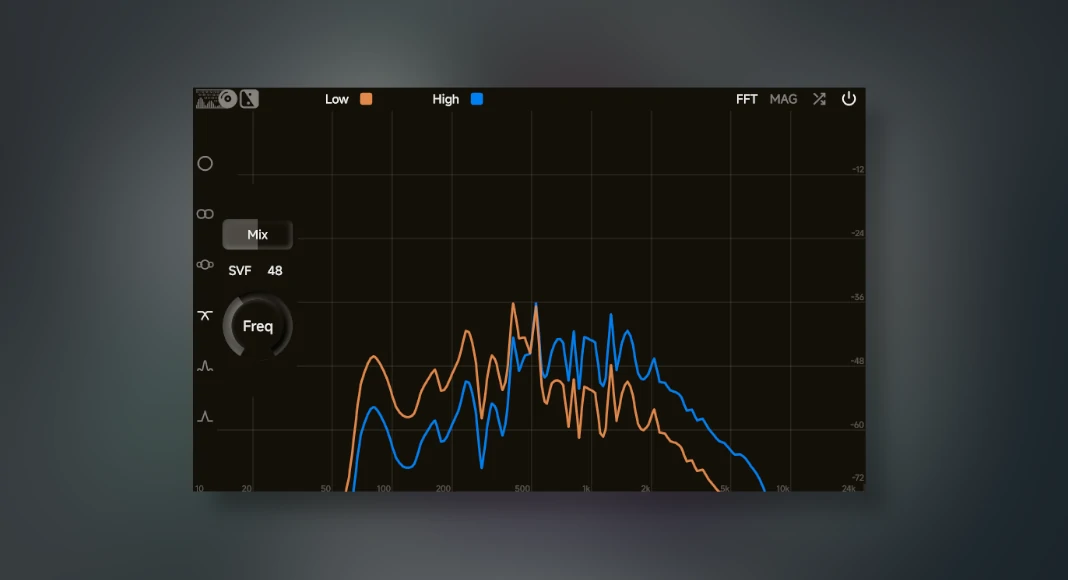
ZL Splitter VST Plugin has been designed to split the audio sound signal input for mixing and mastering any project.
The ZL Splitter VST plugin is quite simple to use, with advanced features to easily split any sound signal input into separated audio channels.
This audio splitter can split a sound signal into steady/transient, steady/peak, left/right, mid/side and low/high sound signal modulation.
Yes, this plugin is awesome!
The UI of this VST plugin is neatly arranged to the edge; when editing any sound signal output, the top row showcases the sound signal outputs being edited.
Also, here at ProducersBuzz we have listed loads of other great free mixing and mastering VST plugins, which are well worth checking and trying out!
Main Features of ZL Splitter VST
- Input modulation.
- Left & right mix modulation.
- Mid & side mix modulation.
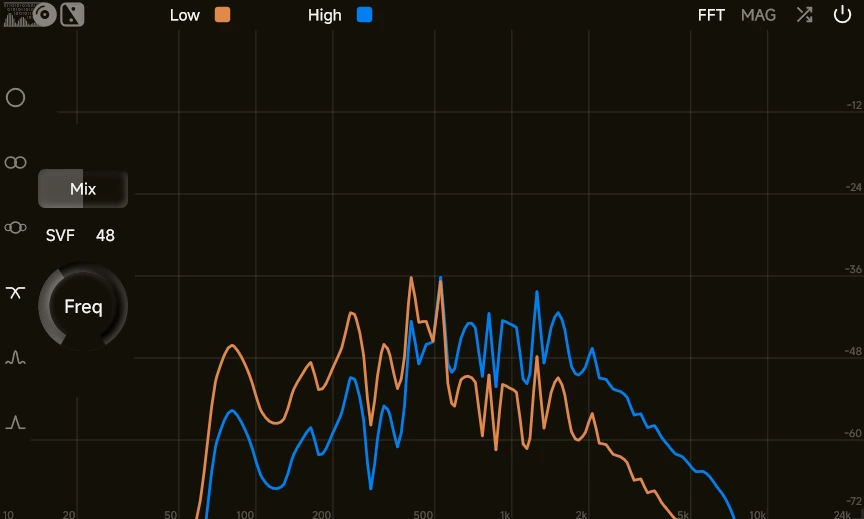
- Low & high mix settings, SVF or FIR settings with 12/24 or 48, and a frequency range ranging from 500 Hz to 18,000 Hz.
- Transient & steady modulation settings which include balance, strength, hold and smooth settings.
- Peak and steady modulation settings, which include balance, attack, hold and smooth settings.
- Advanced VST settings and features.
- Resizable UI.
- Low on CPU.
Buzz Overview of ZL Audio Splitter VST Plugin
Here at ProducersBuzz we have downloaded and tried out this awesome audio splitter VST plugin.
It’s quite simple and easy to use and does exactly what it’s supposed to do, and that is to split the input signal into different sound signal outputs.
Also, the only thing which we would like to comment on here is the fact that it took us a while to locate the main feature settings (modulations), which are actually located near the left-hand side of the VST plugin; these only show up when the mouse hovers over these.
Then again, it would be easier if these were shown at all times, but overall the development and design of this VST plugin are immaculate and well thought out!
Indeed, this plugin is 100% free to download and free to use!
Download Info
- Supports: Windows, macOS and Linux.
- Comes in VST3, AU, and LV2 plugin formats; a digital audio workstation is required.
- Free to download (external).
- Documentation (external).